
Founder & CEO, Devot AI
A multi-domain Data Scientist and Software Engineer specializing in NLP, Large Language Models, and scalable AI systems. Aviral leads Devot AI with a focus on building production-ready solutions that solve complex business challenges.
Two paths just opened up: deeper reasoning when stakes are high, and faster responses when throughput rules. GPT-5.4 tightens both ends.
If your backlog mixes complex judgment and high-volume tasks, this release changes how you split the work.
Executive Summary
GPT-5.4 adds two modes that map cleanly to real constraints. Thinking stretches reasoning depth and task persistence. Pro emphasizes stability, speed, and predictable cost.
The hard part isn’t picking a model. It’s deciding where each belongs in your workflow, and how to avoid slow, costly drift when requirements shift midstream.
Where GPT-5.4 Thinking pays off, and where it overthinks
How GPT-5.4 Pro sustains volume without losing clarity
Failure patterns to expect under ambiguity and scale
A friction-aware implementation path from pilot to production
Simple comparisons that separate beginner moves from seasoned practice
Introduction
You ship an automation, traffic spikes, and suddenly half your tasks stall on edge cases while the rest blaze through. The team faces a blunt choice: slow everything down to improve accuracy, or keep it fast and accept more review.
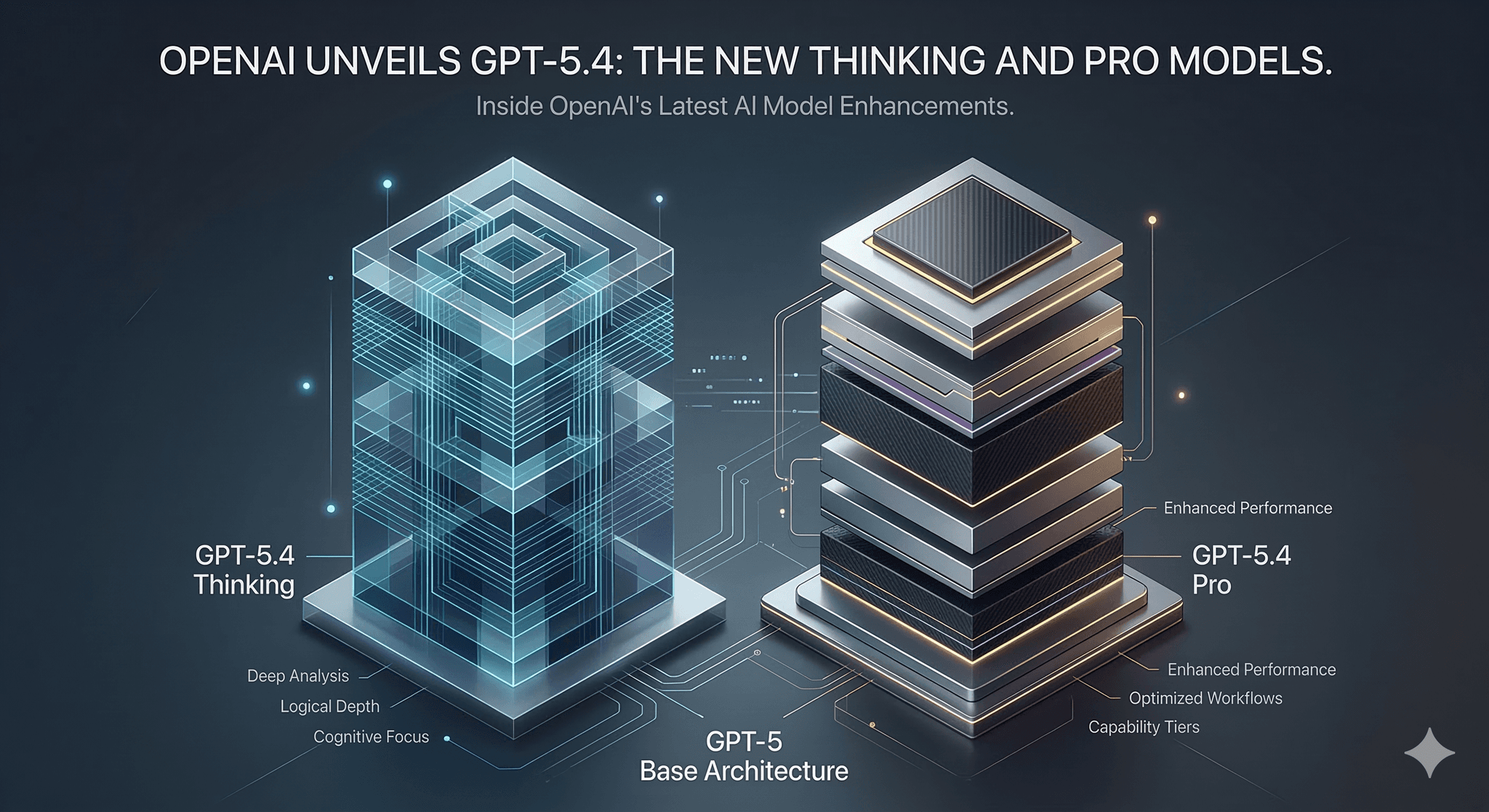
Into that tension, OpenAI has introduced GPT-5.4 Thinking and GPT-5.4 Pro, the newest upgrades to its GPT-5 AI models. The release is trending because teams have run into the same ceiling for a while now: shallow reasoning fails on multi-step work, and deep reasoning gets expensive fast. GPT-5.4 offers a cleaner split.
It’s becoming necessary because the easy wins are gone. The next gains come from orchestrating the right model for the right slice of work, then measuring consequences to avoid invisible costs. That’s where GPT-5.4 fits.
How GPT-5.4 behaves when the deadline is real
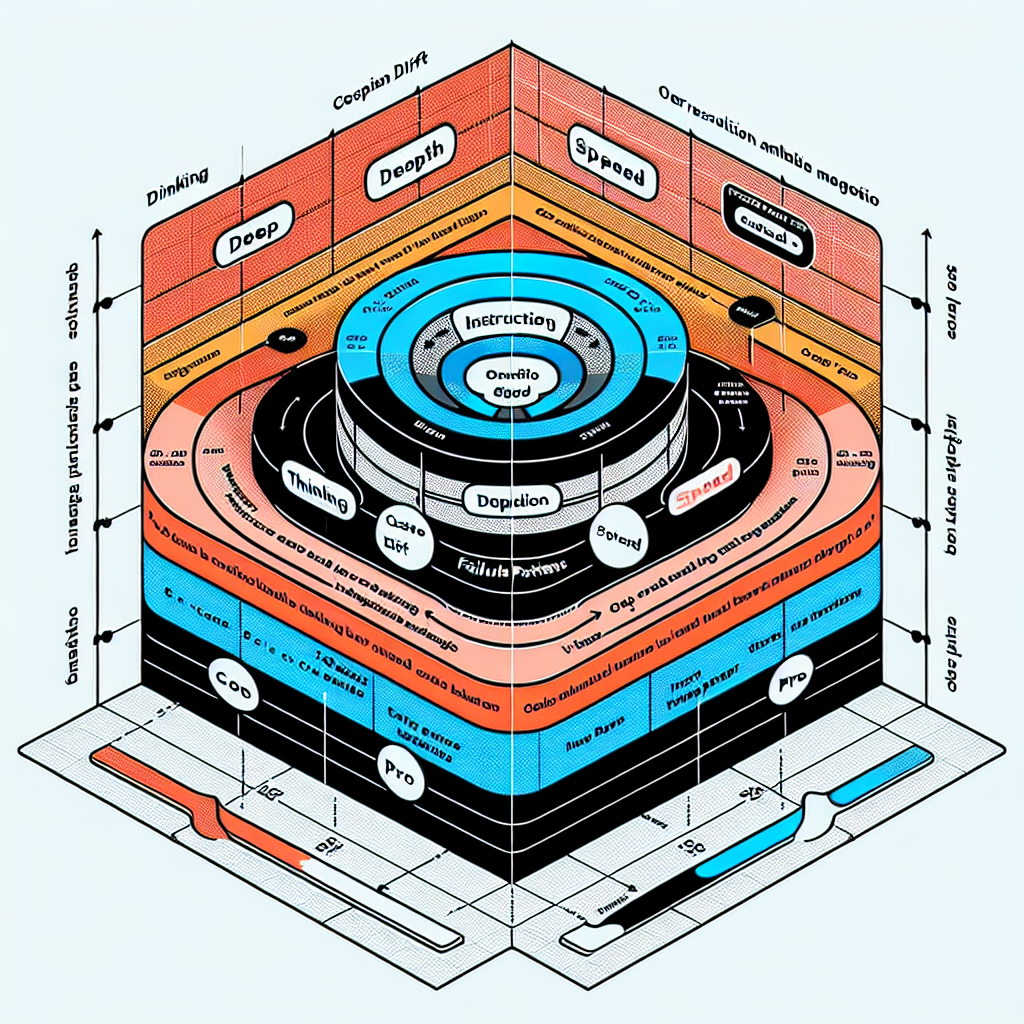
Under pressure, GPT-5.4 Thinking behaves like a teammate who asks clarifying questions in their head and sticks with a thorny task longer. GPT-5.4 Pro acts like the reliable contributor who answers cleanly and moves on. Both have boundaries. And both can fail in ways that hide until load hits. Concept diagram: GPT-5.4 boundaries under pressure.
Where GPT-5.4 Thinking helps:
- Multi-step tasks with dependencies that punish shortcuts.
- Situations where missing context must be inferred from patterns in the prompt.
- Work that benefits from internal planning before writing anything definitive.
Where it strains:
- Long interactions with shifting requirements. Thinking can lock into an early interpretation and carry it forward even after the prompt changes. You see confident, coherent output that gently misses the new direction.
- Ambiguous instructions. It may over-resolve uncertainty instead of escalating it, trading speed for a guess that looks polished but diverges from intent.
- Cost and latency when depth isn’t needed. Projects creep because the default stays on deep mode for trivial steps.
Where GPT-5.4 Pro stands out:
- High-volume routing, classification, templated responses, and standardized transformations.
- Tasks with low tolerance for latency spikes; consistent response times matter more than squeezing marginal gains from extra reasoning.
- Workflows that reward deterministic formatting and stable structure.
Where it falters:
- Compound reasoning. Pro can truncate its own planning under tight token budgets, producing answers that look tidy but miss latent steps.
- Edge cases requiring hypothesis and revision. It tends to settle fast rather than explore alternatives.
Shared failure patterns to expect:
- Instruction drift. Long prompts with layered constraints can cause either mode to prioritize the most recent instruction and quietly drop earlier rules.
- Overfitting to examples. If few-shot prompts lean too hard on one pattern, outputs mirror it even when the data shifts.
- Looping reformulations. Under uncertainty, models rephrase the question instead of advancing the solution. Thinking does this less often, but when it happens it costs more time.
These boundaries aren’t flaws. They are operating conditions. If you treat them as such, you’ll design workflows that exploit strengths and fence off risks.
Rolling GPT-5.4 into a workflow without breaking it
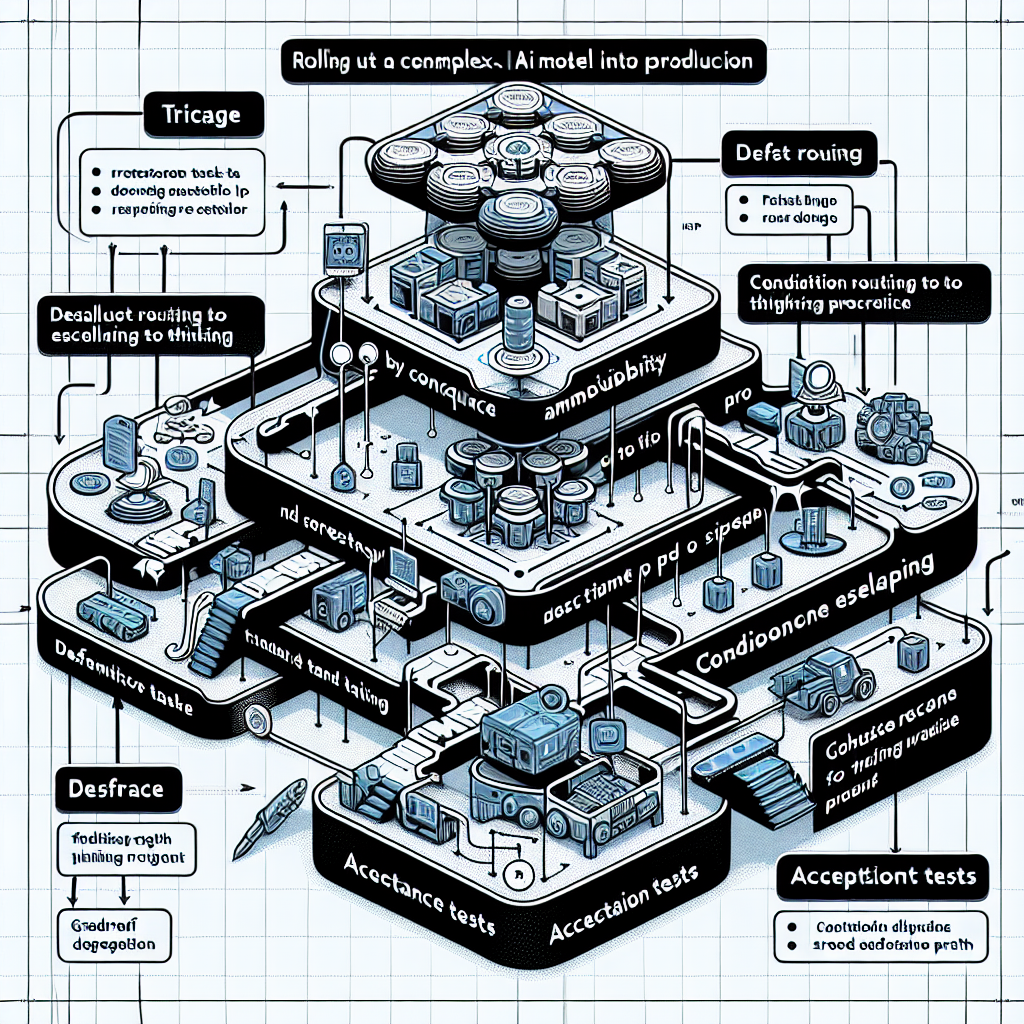
Start with triage, not features. Separate tasks by consequence of error and tolerance for latency. Default to Pro for repeatable, low-ambiguity paths. Use Thinking where the cost of revising mistakes exceeds the cost of deeper reasoning.
Define acceptance tests early. Before integration, write small, brutal checks for format, constraints, and edge instructions. Keep them fast. You will run them a lot while prompts evolve.
Stage prompts to avoid depth where it’s wasted. Let Pro handle extraction, normalization, and straightforward checks. Hand off to Thinking only when a real decision or synthesis is required. Keep the boundary tight.
Control variability. For steps that feed downstream systems, tighten temperatures and constrain output shape. Reserve more flexible settings for ideation phases that never touch production paths.
Expect friction here:
- Prompt sprawl. Writing one mega-prompt tempts Thinking into overwork. Break tasks into smaller units with clear success criteria.
- Hidden latency. A single deep step can dominate wall time. Place timing around each step to spot the culprit early.
- Uneven cost profiles. Volume spikes on Pro hide the occasional Thinking step that’s doing too much. Set simple alerts on average and p95 cost per task.
At scale, the model choice becomes a routing problem. You won’t “pick one.” You’ll segment by task type and confidence. Low confidence on Pro elevates to Thinking. High confidence on Thinking short-circuits back to Pro for formatting. Over time, you’ll adjust the thresholds instead of rewriting prompts.
Plan for reversibility. Every deep step should have a graceful fallback path that minimizes impact if it slows down or degrades. If that means returning a simpler answer and flagging for later review, accept it. Systems that never degrade gracefully tend to fail catastrophically under load.
Finally, monitor intent drift, not just correctness. When requirements change, how quickly does your workflow adapt? If the model keeps producing yesterday’s version of “right,” the issue is orchestration, not intelligence.
Examples and applications under real constraints
Longform planning that must survive changing instructions
Use Thinking to map requirements and surface trade-offs. Keep the plan modular so later prompts can flip sections without rewriting everything. Hand final formatting to Pro to stabilize structure. Imperfect outcome to expect: the plan remains coherent but lags on newly added constraints until you rerun the reasoning step.
High-volume transformations with strict formats
Keep Pro on the front line. Add lightweight verification against formats and simple counters for outliers. Escalate only the exceptions to Thinking. Imperfect outcome to expect: a small rate of misclassifications that pass formatting but fail intent. That’s your sample for weekly prompt tuning.
Ambiguous requests where asking for clarity is preferable
Thinking can internally evaluate alternatives, but if the cost of a wrong assumption is high, bake in an explicit branch that requests clarification. Imperfect outcome to expect: more back-and-forth on the first pass, less rework later.
Same model, different hands
Practice Beginners Experienced practitioners Model choice Pick one mode for all tasks Route by consequence and ambiguity Prompt design Monolithic prompts with mixed goals Small, composable steps with clear exits Latency control Hope it’s fine Measure each step and cap depth where it’s wasteful Error handling Retry the same path Degrade gracefully or escalate selectively Evaluation Spot-check outputs Run lightweight acceptance tests on every change Cost control Track totals monthly Watch per-task cost bands and outliers
FAQ
When should I choose GPT-5.4 Thinking over Pro?
When mistakes are expensive and the task requires multi-step reasoning or inference from partial context. Otherwise start with Pro.
How do I keep costs from creeping up?
Split tasks. Use Pro for deterministic steps, reserve Thinking for decisions. Monitor average and p95 cost per task, not just totals.
What’s the fastest way to reduce latency?
Identify the slowest step, cap its depth, and move simple formatting to Pro. Avoid sending giant prompts to deep steps.
Can I make outputs more deterministic?
Constrain structure, tighten temperatures where structure matters, and keep examples consistent. Save flexibility for non-critical steps.
What should I monitor in the first week?
Step-wise latency, per-task cost bands, acceptance test pass rates, and any rise in manual review time.
More responsibility is shifting to orchestration, not the model
GPT-5.4 raises the ceiling, but it also sharpens the consequences of messy workflows. Results now hinge on where you place deep reasoning, how you bound it, and when you choose to fall back.
The pressure moves from squeezing more intelligence out of a single call to designing systems that decide when to think, when to move fast, and when to ask for help. That’s the real upgrade.