
Founder & CEO, Devot AI
A multi-domain Data Scientist and Software Engineer specializing in NLP, Large Language Models, and scalable AI systems. Aviral leads Devot AI with a focus on building production-ready solutions that solve complex business challenges.
You want one codebase and a clean UI on every device. Budgets are thin, deadlines aren’t. That’s the pressure cooker where Flutter usually enters the room.
Executive Summary
This is a field-tested walkthrough of what is flutter and how it works, tuned for people shipping real apps. No fluff. Just practical edges, trade-offs, and consequences.
After reading, you’ll know how Flutter renders UI, why it feels fast when designed well, and where it can slow you down under load or complex platform integrations.
Understand Flutter’s rendering path and why it differs from native toolkits
See boundaries and failure patterns that show up under pressure
Follow an implementation path from first widget to store release
Anticipate friction when scaling teams, features, or platforms
Decide when Flutter is the right trade for your constraints
Introduction
A product team inherits a half-built mobile app. The UI spec changed last week. There’s a launch date on the calendar that won’t move. The team needs speed without throwing away polish.
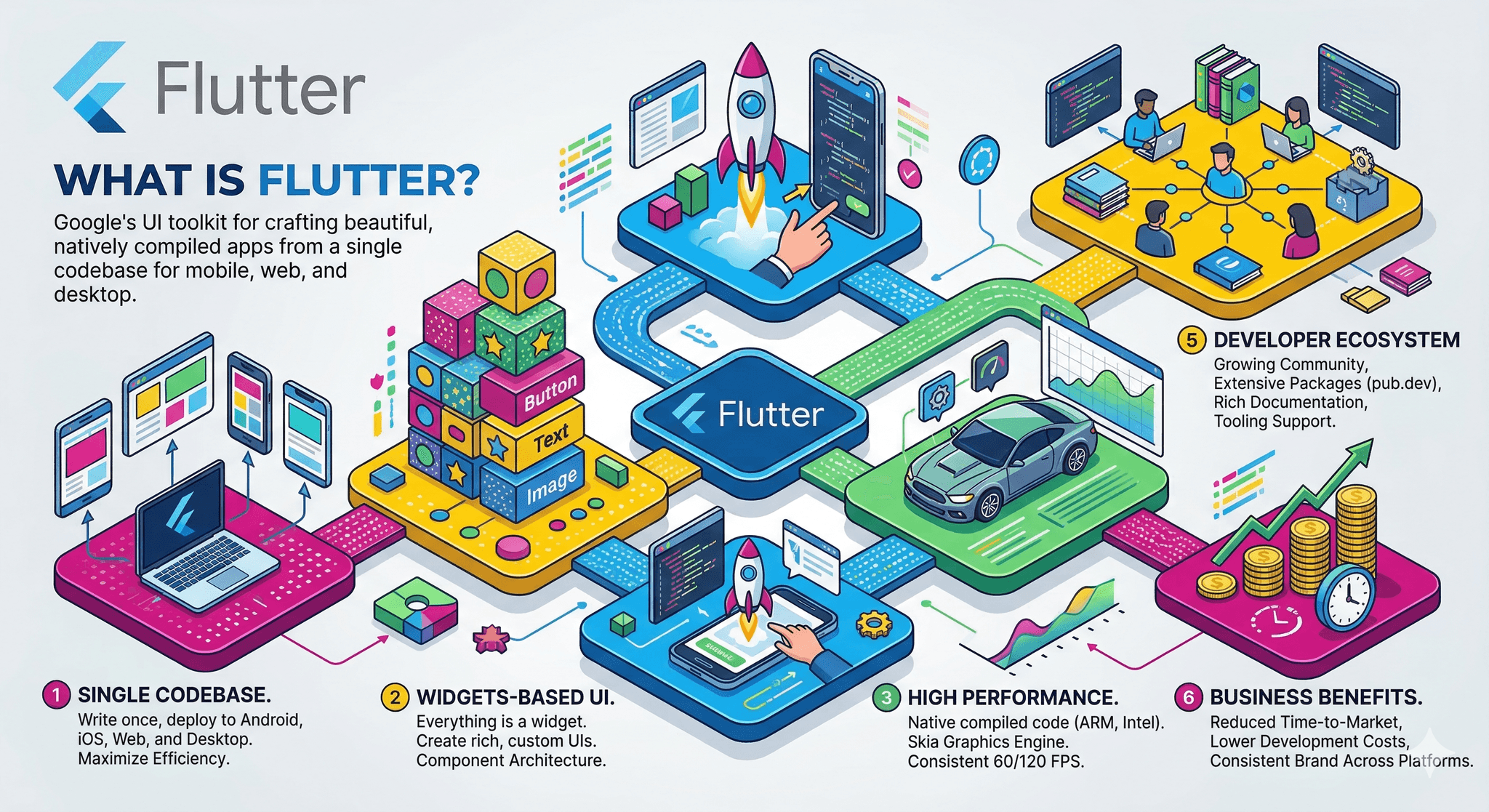
Flutter fits this moment because it draws its own UI and keeps behavior consistent across devices. If you’re asking what is flutter and how it works, start here: it’s a cross-platform UI toolkit that compiles your Dart code and renders every pixel through its own engine.
That approach is trending for a simple reason. It cuts variability. You design once, test fewer platform wrinkles, and iterate quickly with hot reload in development. In production, code compiles ahead of time for performance.
This What is Flutter? Complete Beginner Guide (2026 Edition) focuses on choices with consequences. You’ll see where Flutter is an advantage, and where you’ll need to engineer around its seams.
When Flutter meets constraints: behavior, boundaries, and failures
Flutter doesn’t wrap native controls. It renders via a high-performance engine that talks to the GPU. That design gives you consistent visuals and often great frame times, but it also means you own more of the UI stack and must watch rebuilds, overdraw, and asset usage.
How a Flutter frame reaches the screen
Failure patterns show up in predictable places. Heavy widget trees with frequent setState calls trigger unnecessary rebuilds and layout work. Long lists with complex item trees and images can jank during fast scroll if you skip virtualization or decoding strategy.
Text can be tricky. Rich typography and dynamic layouts are fine, but expensive shaping across many elements per frame will cost you. The fix is usually batching, caching, or simplifying the layout pass.
Platform channels are powerful and a boundary. If you cross them for high-frequency operations, latency piles up. Keep the chatty work in Dart or on the native side and exchange coarser messages.
Background work is another seam. If you rely on heavy background processing with tight OS constraints, you’ll need native-side scheduling and careful handoff. Flutter can orchestrate, but the OS rules still apply.
Accessibility and input are strong when you use the standard widgets carefully. Custom painters and bespoke gestures need extra attention to semantics and hit-testing or you’ll regress usability.
Bundled size matters. Because Flutter ships its engine, first installs are larger than typical thin native shells. This is usually acceptable, but on constrained markets or strict corporate devices you may need extra trimming.
Upgrades are real work. Framework and engine updates bring improvements and occasional breaking changes. Keep your dependency surface tidy to avoid plugin fragmentation during upgrades.
A practical build path from first widget to store release
Start small, wire the happy path
Stand up navigation and a minimal widget tree that proves the core interaction. Keep state simple at first. If the happy path feels sluggish here, adding features will not help.
Design for rebuild cost early
Break screens into smaller widgets with clear data boundaries. Memoize where it counts. Push expensive work off the hot path. Your future self will thank you when features pile on.
Integrate platform features deliberately
Group native calls behind an interface. Batch messages across platform channels. For performance-sensitive features, keep the loop on one side of the boundary.
Test across devices as you build
Device permutations catch layout overflow, text scaling quirks, and gesture edge cases. Run on a small set daily rather than a large set rarely.
Profile before you optimize
Measure frame times, shader compilation stutters, memory growth. Fix concrete hotspots. Guessing at performance wastes time and usually misses the true bottleneck.
Prepare the release pipeline
Automate builds, sign properly, track symbols, and verify crash reporting. Keep a rollback plan. Flutter will do its part, but release discipline is still on the team.
Scaling changes the shape of the work
As contributors multiply, create module boundaries in your widget tree and clear ownership. Enforce code review for rebuild hotspots. Document platform boundaries to avoid chatter across channels.
Examples and applications
A custom animated onboarding feels smooth in the lab, then stutters on older devices. Frames drop during a text-heavy step with layered blurs. Reducing blur radius and pre-warming shaders removes the spike without redesigning the flow.
An offline-first form captures media and syncs later. It works in testing but stalls on flaky networks because sync and UI share a hot path. Moving serialization off the main isolate and batching uploads stabilizes the flow.
A plugin promises a niche sensor feature but lags behind platform updates. The team forks it, narrows the API surface, and replaces frequent polling with event callbacks over the channel.
A long list with complex tiles renders fine until avatars load. Decoding on the fly blocks frames. Caching resized thumbnails and using placeholders keeps scrolling smooth.
Tables and comparisons
Area Beginners Experienced Practitioners State handling Sprinkle setState everywhere Contain updates, minimize listeners, isolate hot paths Layout strategy Nest widgets deeply without profiling Compose small widgets, cache layout where stable Platform channels Call per event across boundary Batch messages, keep tight loops on one side Assets and images Load full-size, decode on main thread Resize, cache, prefetch, offload decoding Performance debugging Optimize blindly Profile, verify, then fix specific hotspots Testing approach End-to-end only at the end Unit, widget, and targeted device checks continuously Release hygiene Manual builds, ad-hoc checks Automated builds, symbols, crash triage, rollback plan
FAQ
Is Flutter native?
It compiles to native code and drives the GPU directly, but it renders its own UI rather than wrapping native controls.
Why does my list scroll jank?
Item trees are heavy or images decode on the hot path. Simplify widgets, cache images, and avoid per-frame work.
How do I use platform-specific features?
Expose a thin interface and use platform channels. Batch messages and keep high-frequency loops on one side.
Will app size be large?
First installs include the engine. You can trim assets and keep dependencies tight to avoid unnecessary growth.
Where does hot reload fit?
It accelerates dev iteration. Production builds run ahead-of-time compiled code without the reload path.
Rising pressure to prove the cross-platform choice
As teams scale, the question shifts from what is flutter and how it works to whether your architecture contains rebuild cost, native boundaries, and release risk. The framework gives leverage, not guarantees.
The bar moves up each quarter. If you keep ownership lines clear, profile often, and resist accidental complexity, Flutter remains a net gain under real constraints.