
Founder & CEO, Devot AI
A multi-domain Data Scientist and Software Engineer specializing in NLP, Large Language Models, and scalable AI systems. Aviral leads Devot AI with a focus on building production-ready solutions that solve complex business challenges.
You don’t need every shiny new app. You need the right AI tools that hold up during crunch weeks, group projects, and exams when time and attention are scarce.
This guide focuses on AI tools as capabilities, not brands. It reflects how they behave when deadlines change, data is messy, and you have to ship.
Executive Summary
Students use AI tools to compress research time, clarify thinking, and automate repetitive work. The benefit is real, but only when practices keep accuracy and accountability in view.
This article maps the top 15 tool types worth learning now, with where they help and where they fail under pressure.
Understand which AI tools reduce workload vs increase risk.
See how adoption unfolds from first use to course-wide scale.
Spot failure patterns and set guardrails early.
Introduction
Your professor drops a surprise reading list midweek. A group member goes silent. You still have to write, analyze, present, and submit. In this reality, AI tools become more than novelty. They are part of an operating system for getting through work without burning out.
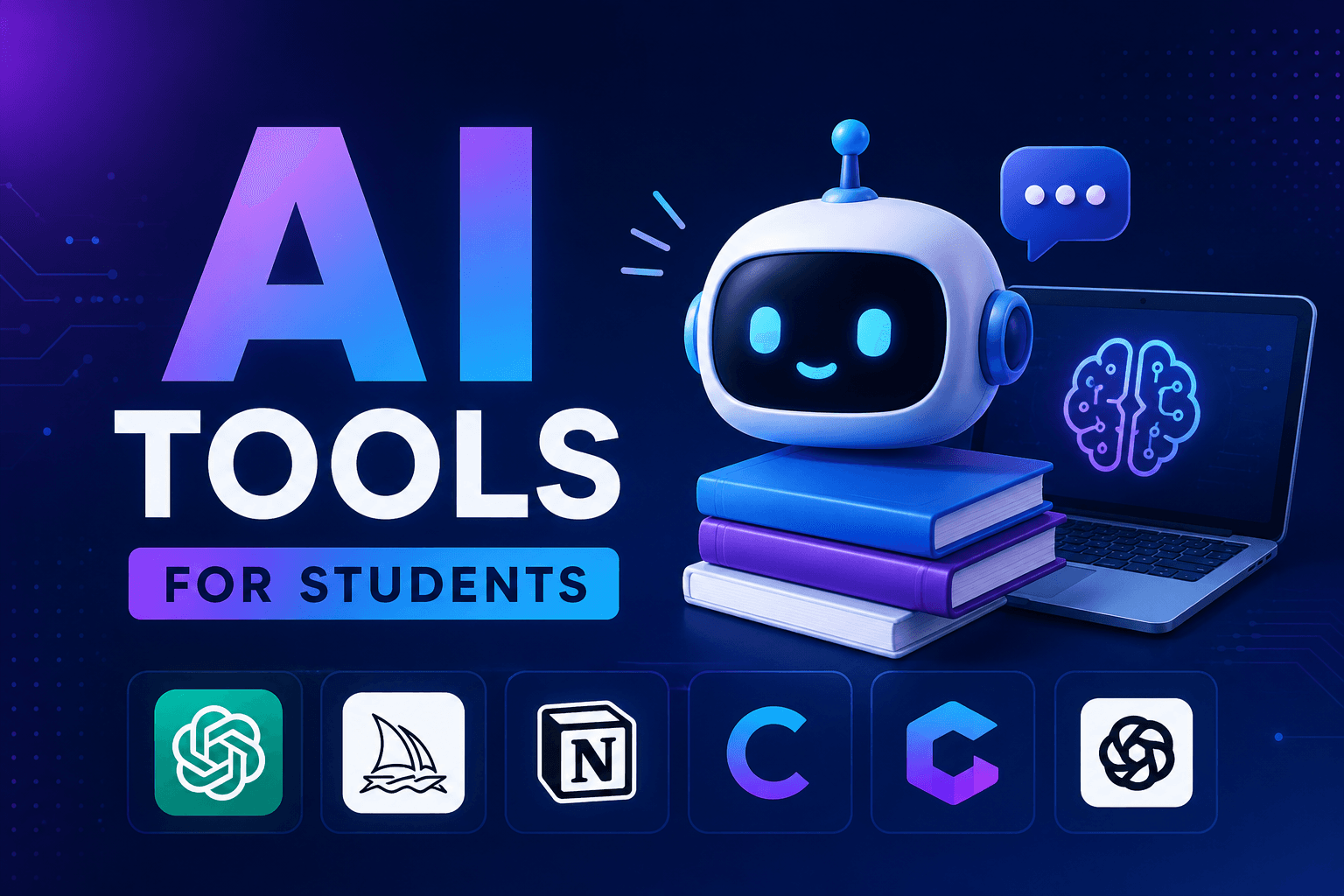
Top 15 AI Tools Every Student Should Learn This Year isn’t about one perfect stack. It’s about choosing capabilities that absorb chaos: research copilot, summarization, math explanation, code help, citation checks, slide generation, and more. These AI tools are trending because they shrink cycle time and help cross domain boundaries.
They’re becoming necessary because expectations keep rising while time stays fixed. The goal is not to outsource thinking. It’s to reserve human effort for judgment and synthesis where it matters.
How AI tools really behave when deadlines and data get messy
In live coursework, AI is fast, flexible, and inconsistent. It accelerates reading, outlining, and prototyping, but it also hallucinates, misreads sources, and blurs attribution if you don’t design your workflow around verification and documentation.
Common failure patterns show up fast. Summaries look fluent yet miss critical nuance. Math solvers produce correct answers but skip steps your grader expects. Code assistants return patterns that fit the wrong environment. Slide generators over-style while burying the argument. All of this is recoverable with process, not hope.
Boundaries to respect:
1. Verification load: Any tool that touches facts or cites sources must include a step to confirm origins. If you skip this, the time you saved upfront returns as rework.
2. Instructor constraints: Some courses allow AI for brainstorming but not for final text. Some want citations flagged. Misreading the policy is a grade hit, not a tech issue.
3. Cognitive drift: Over-automation reduces retention. If the tool writes too much, you learn too little, and it shows in exams and oral defenses.
From first try to reliable routine: implementing AI tools across a semester
Adoption follows a pattern. First you experiment on low-stakes tasks. Then you fold the winners into weekly routines. Only after that do you standardize across group work and bigger deliverables.
Where friction appears:
- Inputs are unstructured: PDFs with poor scans, mixed formats, foreign-language snippets. Your tools need fallback workflows.
- Prompts sprawl: Over time, prompts bloat. You’ll need a living doc of reusable instructions and examples to keep outputs consistent.
- Scale reveals gaps: Approaches that worked for an essay break on a literature review or a data-heavy lab. You’ll need checklists and cutoffs for manual review.
What changes at scale: You move from “try this” to templates, from freestyle prompts to task-specific playbooks, from silent use to transparent footnotes, and from single-use outputs to re-usable components that improve each week.
The 15 AI tool types worth learning this year
1. Research copilot for source discovery
Use it to surface candidate sources and map debates. Trade-off: speed vs reliability. Always collect links and pull quotes for manual confirmation.
2. PDF and lecture summarizer
Summaries help you see structure fast. Failure pattern: flattening nuance. Pair with your own highlights and ask for counterarguments.
3. Note consolidator and outline builder
Combines scattered notes into a coherent outline. Watch for invented headings. Lock in your thesis before letting it reorganize content.
4. Drafting assistant for first passes
Great for killing blank pages. Risk: voice mismatch and unearned claims. Keep it to scaffolding and examples you can defend.
5. Paraphrase and clarity editor
Improves readability without changing meaning. Failure pattern: subtle meaning drift. Compare before and after line by line on key sections.
6. Citation generator and checker
Automates formats and flags missing data. Risk: fabricated references. Always verify against the actual source and your style guide.
7. Math explainer and step-by-step solver
Useful for checking reasoning and learning methods. Danger: correct answers with invalid logic. Cross-check steps on simpler problems.
8. Coding assistant and debugger
Speeds up boilerplate and error fixes. Failure pattern: code that fits a different environment. Provide context and test with small inputs first.
9. Data wrangler for tables and cleaning
Helps normalize messy CSVs and extract fields. Risk: quiet data loss or type coercion. Keep a copy of raw data and audit changes.
10. Visualization and chart composer
Generates plausible charts fast. Failure pattern: misleading axes or chart types. Specify the story and constraints before generating.
11. Slide and poster generator
Useful for structure and visual direction. Risk: design over content. Lock your argument first, then render visuals to fit it.
12. Language practice and translation tutor
Great for conversation drills and quick translations. Beware idiom errors and register mismatch. Validate with native material when possible.
13. Study coach and spaced repetition helper
Builds quizzes and schedules. Failure pattern: too easy items. Seed it with tricky examples and review error-only sets.
14. Project planner and task splitter
Breaks assignments into milestones. Risk: optimistic timelines and missing dependencies. Add buffers and define done-states.
15. Email and message drafter for coordination
Drafts polite, concise updates to peers and instructors. Failure pattern: generic tone. Insert specific details and confirm next steps.
Examples and applications under pressure
Scenario: A lab report with messy sensor data. You run data through a wrangling tool to normalize timestamps and interpolate gaps. It works on most rows, then quietly drops outliers that contained the actual signal. You catch it by comparing row counts before and after. Fix: enforce a diff check and a manual review of discarded rows.
Scenario: A history essay with a long reading list. You use a summarizer to outline each article and a research copilot to map themes. The draft looks polished, but one theme leans on secondary commentary instead of primary sources. You notice because the citations cluster in recent years. Fix: prompt for primary sources only and confirm quotes in the originals.
Scenario: Group presentation. The slide generator proposes a slick template that doesn’t match instructor guidelines. You rework the deck at midnight. Fix: include constraints in the prompt early, and store a validated template for the course.
Beginners vs experienced operators: where practices diverge
AreaStudents/BeginnersExperienced PractitionersSource handlingTrusts summariesVerifies quotes and links every timePromptingWrites new prompts each taskMaintains reusable prompt snippetsQuality controlReviews outputs at the endInserts checkpoints after each stepTool choicePicks by noveltyPicks by failure modes and policiesLearning impactLets AI write too muchUses AI to scaffold then writes by hand
FAQ
How do I avoid AI hurting my learning?
Use tools to outline, question, and test. Do final synthesis yourself. If you can’t explain it without the tool, you don’t know it yet.
Is it safe to use AI for citations?
Only with verification. Generate formats, then confirm every reference against the source. No exceptions.
What’s the fastest way to start?
Pick two tasks you repeat weekly. Add one AI assist to each. Document prompts and results. Expand only when it saves time reliably.
How do I handle course policies?
Scan the syllabus for AI guidance. If unclear, ask. Keep a usage note in your submissions so expectations are aligned.
Can AI fix weak arguments?
It can surface structure and counterpoints, but strength comes from evidence and your judgment. Tools won’t replace that.
Rising responsibility: from using tools to owning outcomes
As AI tools spread, the burden shifts from finding features to proving rigor. Instructors and peers expect you to show how you verified facts, preserved your voice, and met policies.
The progression is simple. Start with speed, move to reliability, end with accountability. The students who document process and defend choices will stand out.